
In this article:
- Why Automate WordPress Content Publishing Google Docs n8n South Africa Matters for Your Business
- The Hidden Costs of Manual Publishing: How to Automate WordPress Content Publishing Google Docs n8n South Africa
- Why Giving External Writers WordPress Access Exposes Your Site to Risk
- Step-by-Step Implementation Strategy for Content Managers
- Measuring the Business ROI: Hours Saved and Faster Publishing Cycles
- Is It Time to Simplify Your Publishing Workflow?
Why Automate WordPress Content Publishing Google Docs n8n South Africa Matters for Your Business
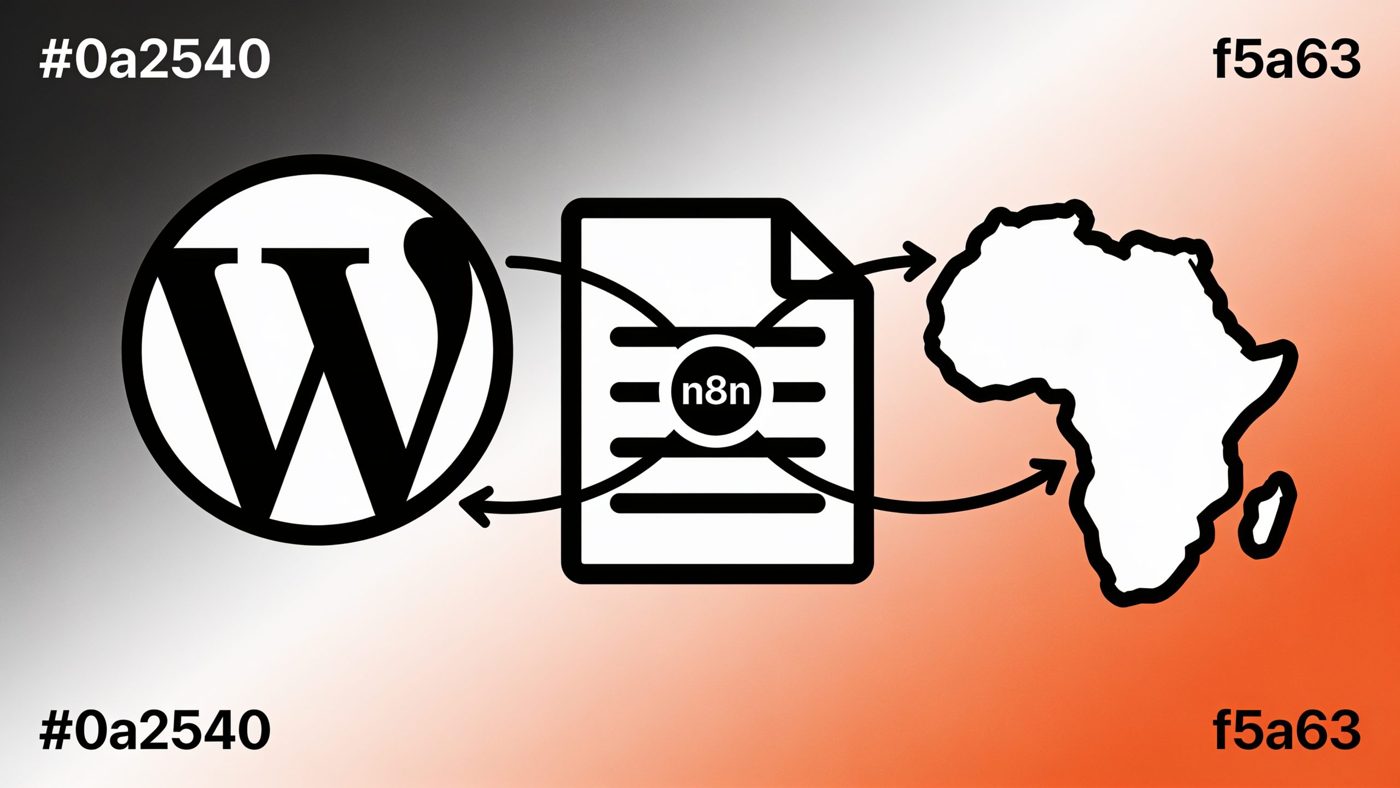
For South African marketing managers and agency owners, publishing content from freelance writers often involves tedious copy-pasting, broken formatting, and unnecessary security risks. By choosing to automate wordpress content publishing google docs n8n south africa, your team can instantly convert Google Docs into clean, formatted draft posts without granting external writers backend access to your website.
At GrowthStart, we help growing digital teams streamline operations and eliminate repetitive manual labor. In this guide, we explore the hidden operational costs of manual publishing for local businesses and explain why giving external writers direct WordPress credentials exposes your digital assets to unnecessary risk.
We will break down exactly how the Google Docs to n8n to WordPress automation workflow operates behind the scenes, how to integrate custom design layouts using Kadence Blocks, and provide a clear step-by-step implementation strategy for content leads. Finally, we demonstrate how to measure the real business ROI of this setup by tracking saved operational hours and faster publishing turnaround times.
The Hidden Costs of Manual Publishing: How to Automate WordPress Content Publishing Google Docs n8n South Africa
For South African business owners and agency leaders, publishing regular blog content is essential for maintaining organic search visibility and capturing local leads. However, the manual process of transferring finished articles from Google Docs into WordPress creates significant operational friction. Marketing teams frequently waste 20 to 30 minutes per article copying text, fixing broken block headers, re-formatting bulleted lists, and re-attaching media files.
This administrative overhead scales up expenses quickly when managing multiple external writers or subject matter experts. Instead of directing resources toward content strategy and campaign management, skilled team members spend billable hours acting as administrative formatting technicians. According to research published by Harvard Business Review, automating routine operational tasks is one of the fastest paths to improving cross-departmental productivity and protecting business operating margins. Implementing a dedicated google docs to wordpress automation n8n pipeline eliminates these tedious tasks entirely, automatically converting approved documents into clean, publish-ready draft posts.
Why Giving External Writers WordPress Access Exposes Your Site to Risk
Protecting website performance and customer data while maintaining high publishing output requires strict control over your website backend. Establishing a secure wordpress publishing workflow south africa means keeping external contractors isolated from critical web infrastructure.
Granting backend contributor accounts to freelance creators creates serious operational hazards for growing teams:
- Expanded Security Vulnerabilities: Inactive contributor accounts and weak user credentials create open attack vectors for brute-force entry and credential compromise.
- Accidental Layout Disruptions: Writers unfamiliar with specific block configurations or site settings can break global page styling and theme structures.
- Administrative Access Control: Continuously setting up, auditing, and revoking user privileges for temporary freelancers diverts valuable IT and administrative capacity.
- Data Integrity Risks: Broad dashboard access exposes internal notes, unpublished strategic campaigns, and client information to external third parties.
Maintaining precise wordpress editorial access control relies on decoupling content creation from site administration. By using n8n to connect Google Docs directly to your database, writers work exclusively inside standard documents. The n8n content publishing workflow securely processes the text and pushes clean drafts into WordPress via restricted REST API endpoints, keeping your live site secure without slowing down your production timeline.
Step-by-Step Implementation Strategy for Content Managers
Setting up an automated publishing engine requires minimal technical background if you follow a structured workflow. Content teams in South Africa can implement this system in five straightforward steps:
- Standardize Google Docs Formatting: Create a master template enforcing clear structural elements (H2, H3, bullet points). This ensures the HTML parser accurately converts raw copy into clean web elements.
- Prepare Google Drive Directories: Establish a clear folder structure with dedicated subfolders for "Drafts", "Editor Approved", and "Archived".
- Configure the Webhook in n8n: Set up an n8n workflow triggered whenever a document moves into the "Editor Approved" folder.
- Connect the WordPress REST API: Generate an Application Password inside your WordPress user profile. This grants n8n secure, token-based publishing privileges without exposing your primary administrator password.
- Map Design Layouts: Route the parsed HTML directly into standard page builder containers or native Gutenberg elements, such as Kadence layout blocks, to preserve your site typography and spacing rules.
For specialized publishing needs or custom post-type setups, explore our full range of business automation solutions to build a workflow tailored to your tech stack.
Measuring the Business ROI: Hours Saved and Faster Publishing Cycles
Transitioning away from manual administrative tasks yields measurable financial returns for South African marketing teams and digital agencies. According to a workplace automation report by Smartsheet, 60% of surveyed workers estimate they could save at least six hours per week—over 300 hours annually—by automating repetitive operational tasks.
Implementing an automate wordpress content publishing google docs n8n south africa pipeline reduces administrative formatting time from roughly 30 minutes per article down to under two minutes of visual review.
Consider a mid-sized South African digital agency publishing 20 blog posts per month:
- Manual Workflow: 10 hours per month spent copying text, re-uploading images, fixing broken headers, and applying categories manually.
- Automated Workflow: 40 minutes per month spent purely on brief final editorial sanity checks.
Calculated at standard South African agency billable rates (R650 to R1,200 per hour), reclaiming over nine hours monthly saves between R5,850 and R10,800 in lost productivity every month. Beyond direct financial savings, publishing turnaround times shrink from days to minutes, allowing your business to deploy campaign content rapidly. To learn more about optimizing your digital workflows, check out our latest content strategy guides.
Ready to Take the Next Step?
Not sure where to start with automation? We offer a free automation audit for South African businesses — no jargon, no hard sell. Book your free consultation and find out exactly where automation can save you time and money.
Get in touch with GrowthStart — no obligation, no jargon. Just a straightforward conversation about what automation can do for your business.