
In this article:
- When "Closed Won" in HubSpot Becomes an Invoicing Bottleneck in Sage
- The True Cost of Manual Invoicing for South African SMEs
- HubSpot to Sage Accounting Integration South Africa: How the Architecture Works
- Handling South African VAT, Line Items, and Customer Deduplication
- Measuring the Business Impact: Cash Flow, Time Saved, and Accuracy
When "Closed Won" in HubSpot Becomes an Invoicing Bottleneck in Sage
When your sales team marks a deal as 'Closed Won' in HubSpot, how long does it take for a SARS-compliant tax invoice to actually reach the client? For most South African businesses, the answer involves delays, email chains, and manual double-entry between sales reps and bookkeepers. Implementing a direct hubspot to sage accounting integration south africa eliminates this administrative friction by automatically syncing customer records and closed deals straight into Sage Business Cloud Accounting without human intervention.
At GrowthStart, we regularly see growing operations burn billable hours and compromise cash flow simply because their CRM and accounting tools operate in silos. Passing customer details, line items, and payment terms across departments manually introduces costly billing errors, mismatched VAT allocations, and duplicate customer profiles.
In this guide, we break down the true operational cost of manual double-entry, detail how the HubSpot-Sage data bridge functions under the hood, and walk through a step-by-step configuration to automate your billing workflow. We also cover practical solutions for handling local 15% VAT rules and contact deduplication, followed by clear metrics to measure the return on your cash flow and team capacity.
The True Cost of Manual Invoicing for South African SMEs
Faster cash conversion starts the minute a deal closes, yet manual handovers between sales and finance regularly stall revenue collection. When a sales representative marks an opportunity won in HubSpot, the finance department often has to chase crucial data: corporate registration numbers, South African VAT details, purchase order references, and specific billing contacts. Someone must then manually open Sage Business Cloud Accounting, recreate the customer profile, re-type line items, calculate tax, and email a PDF invoice days later.
This administrative drag directly inflates debtor days and weakens cash flow predictability. According to research on finance automation by McKinsey & Company, roughly 42% of routine finance tasks can be fully automated using existing tools. When growing businesses rely on manual data re-entry between systems, they encounter three consistent operational liabilities:
- Extended billing cycles: Invoices dispatched 48 to 72 hours post-sale delay payment receipt by days or weeks, directly impacting working capital.
- SARS compliance rejections: Typographical errors in company VAT numbers or missing legal trading names cause corporate clients to reject invoices during automated payment runs.
- Pipeline blindness: Account executives lack visibility into whether an invoice has been generated or paid, resulting in unnecessary internal status meetings and friction with the credit control team.
HubSpot to Sage Accounting Integration South Africa: How the Architecture Works
Eliminating billing friction requires an automated pipeline that turns sales activity into legally compliant tax invoices instantly. A properly engineered hubspot sage business cloud integration bridges commercial deal tracking and back-office accounting, ensuring operational speed without human error.
To execute crm to accounting automation south africa without enterprise-tier software bloat, SMEs deploy event-driven workflows that connect both platforms via their application programming interfaces (APIs). A modern hubspot closed won invoice sync executes through four automated steps:
- Event trigger: Moving a deal stage to "Closed Won" in HubSpot emits an automated webhook containing the deal value, custom VAT fields, line items, and company metadata.
- Customer deduplication: The integration queries Sage using the client's VAT number or primary business email to check for existing records. It either retrieves the active Sage Customer ID or creates a compliant new profile automatically.
- Tax invoice creation: The workflow calculates line-item totals, applies the standard 15% South African VAT, and generates a numbered tax invoice inside Sage.
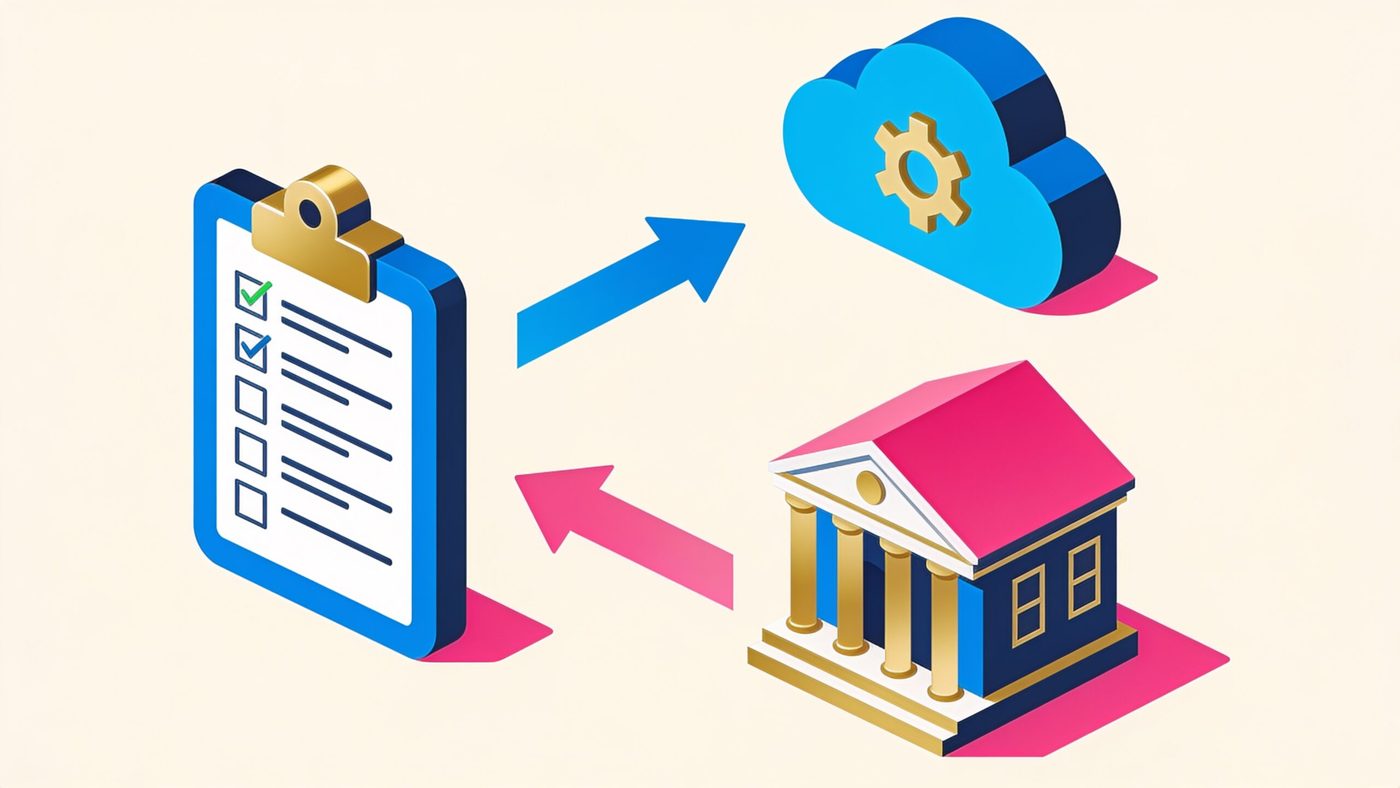
- Bi-directional data sync: Sage returns the generated invoice reference number, amount, and payment link directly to custom properties inside HubSpot, keeping sales reps informed without financial system access.
Handling South African VAT, Line Items, and Customer Deduplication
A successful hubspot to sage accounting integration south africa deployment hinges on local tax compliance and strict data hygiene. The South African Revenue Service (SARS) mandates that full tax invoices specify the customer’s legal entity name, physical address, and 10-digit VAT registration number alongside an explicit breakdown of the standard 15% VAT rate.
To maintain data integrity without manual intervention, your middleware must execute deduplication and formatting logic before posting records into Sage Business Cloud:
- Customer Record Matching: Query Sage using the company's 10-digit VAT registration number first, falling back to the primary billing email address. If a match exists, the workflow maps the deal to that existing debtor ID rather than creating a duplicate customer profile in your ledger.
- Tax Code Mapping: Deal line items inside HubSpot must explicitly pass the correct tax treatment to Sage's API (such as standard-rated 15%, zero-rated, or exempt items). This prevents calculation mismatches on line totals and ensures accurate VAT201 return submissions on SARS eFiling.
- Data Security and POPIA: Processing South African customer records requires compliance with the Protection of Personal Information Act (POPIA). If you deploy self-hosted integration engines such as n8n to connect your endpoints, hosting your server locally through Domains.co.za provides low-latency execution while keeping corporate financial records within South African borders. For complex multi-branch setups, contact our automation team for custom API setup.
Measuring the Business Impact: Cash Flow, Time Saved, and Accuracy
Connecting HubSpot deals directly to Sage accounting yields immediate operational returns across cash flow, billing accuracy, and labour overhead. Research by McKinsey & Company shows that 42% of routine finance activities can be fully automated with current technology. In practice, manual customer capture and invoice drafting directly inflate Days Sales Outstanding (DSO) by introducing days of administrative friction between deal sign-off and payment request.
For a mid-sized B2B company issuing 50 to 80 invoices monthly, the quantifiable returns include:
- Shorter Debtor Cycles: Invoices dispatch instantly upon moving a deal to 'Closed Won', reducing the time to first payment by an average of 4 to 6 business days.
- Reclaimed Finance Capacity: Finance teams save 15 to 25 hours per month previously lost to cross-referencing quote details and manually keying invoice lines into Sage.
- Elimination of Billing Rejections: Enforcing mandatory billing properties at the HubSpot deal stage guarantees that tax invoices generated by Sage contain verified VAT numbers and purchase order references on the first attempt.
To uncover manual friction in your current financial handoff, book a free consultation to review your sales-to-invoicing workflow.
Manual data entry between HubSpot and Sage Business Cloud Accounting costs South African operations teams between 10 and 20 minutes per deal, introducing preventable errors in VAT numbers and billing addresses. Automating this pipeline transforms closed-won deals into accurate, VAT-compliant tax invoices instantly, dramatically shortening cash collection cycles. Furthermore, establishing a two-way sync ensures invoice numbers and payment statuses flow back into HubSpot deal records, keeping sales directors, ops managers, and bookkeepers completely aligned.
That said, a direct automated workflow is not the right fit for every organisation. If your company processes fewer than a dozen transactions a month, or if your commercial structure relies on bespoke, unpredictable billing terms that require extensive manual discretion per line item, standardising an automated sync may introduce unnecessary governance overhead.
However, if your transaction volume is growing and manual administrative friction is delaying revenue recognition, GrowthStart can help you implement a seamless, API-driven solution.
Book a free consultation and we'll map out what to automate first — no jargon, no obligation.
Ready to Take the Next Step?
Book a free consultation and we'll map out what to automate first — no jargon, no obligation. Get in touch with GrowthStart — no obligation, no jargon. Just a straightforward conversation about what automation can do for your business.